One compact watchlist
Add up to 100 instruments and keep equities and spot crypto together in a single view.
STOCK TICKER FOR MAC
Stock Island keeps the stocks you follow close to your work, then disappears back into the top of the screen. Check a compact watchlist without opening a browser tab, a trading dashboard, or another full-size window.
01 / GLANCEABLE
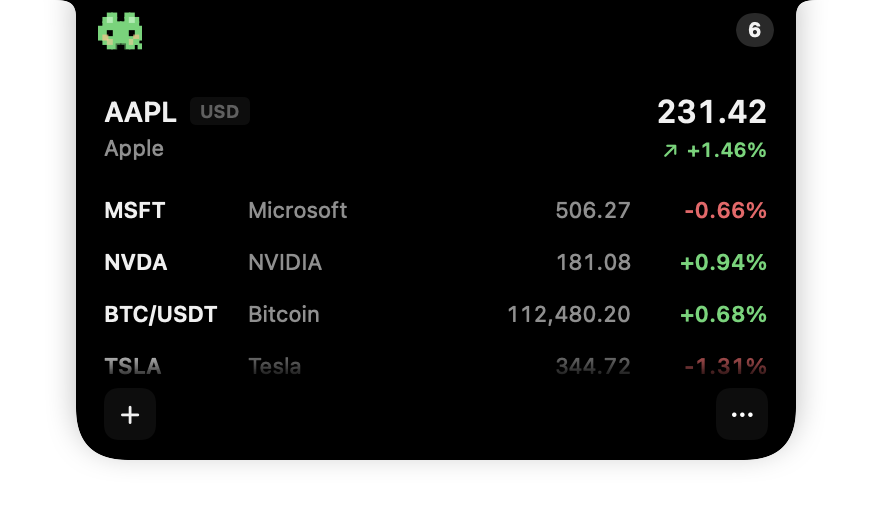
A useful Mac stock ticker should be visible when you need it and quiet when you do not. Stock Island sits at the top of the screen, showing a compact quote until you hover over it. The island then expands into your watchlist and folds away when you move on.
It is built for people who want awareness rather than another dashboard: investors working in other apps, developers keeping an eye on a few symbols, and anyone who prefers a calm desktop.
Add up to 100 instruments and keep equities and spot crypto together in a single view.
Use the familiar quote view, a crisp Pixel Mode, or Stealth Mode for a more discreet glance.
No Stock Island account is required. Your watchlist and display preferences stay on your Mac.
02 / MARKET COVERAGE
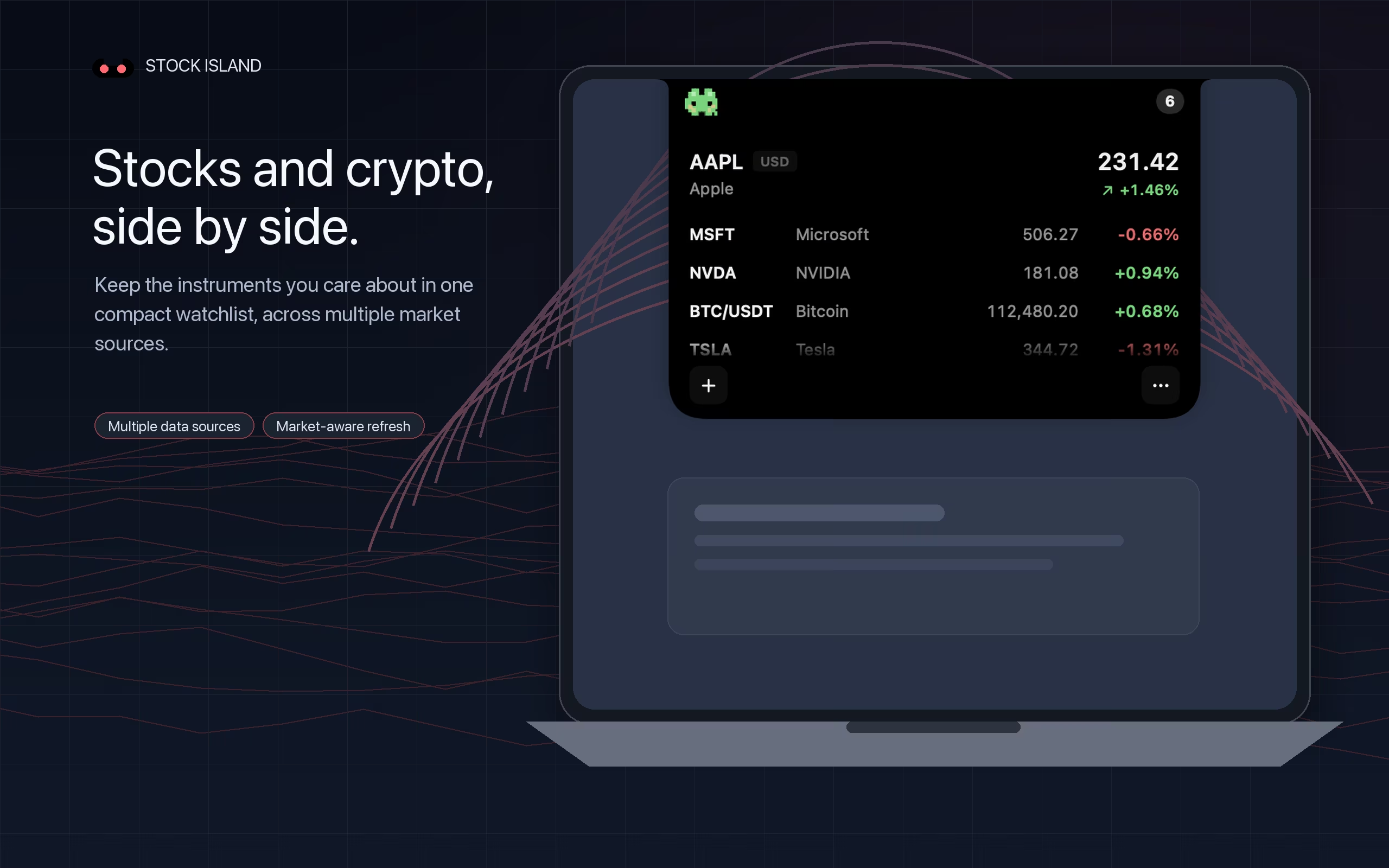
Stock Island supports market symbols across A-shares, Hong Kong, the United States, the United Kingdom, and Korea, plus spot cryptocurrency pairs. Coverage and quote timing depend on the selected market and data-provider availability.
03 / MADE FOR FOCUS
Stock Island is not a brokerage, charting platform, or portfolio manager. It is a small market-information display designed to reduce the friction of checking a few quotes while leaving the rest of your desktop alone.
See how Stealth Mode keeps quotes discreet →QUESTIONS
macOS includes the Stocks app and supports widgets, but it does not provide a persistent stock ticker around the MacBook notch. Stock Island is designed for quick, glanceable quotes while you work.
Yes. On a Mac or external display without a hardware notch, Stock Island remains available as a compact floating ticker at the top of the screen.
Quote timing and availability vary by market and third-party data provider. Prices may be delayed, rounded, or temporarily unavailable, so important information should always be verified with a broker or exchange.
Stock Island supports Apple silicon and Intel-based Macs running macOS Ventura 13 or later. The notch experience is optimized for MacBook models with a notch.
STOCK ISLAND FOR MAC
Stock Island is available now on the Mac App Store.
Apple silicon & Intel Macs · macOS 13 or later · No account required