THE SHORT ANSWER
Match the tool to the kind of attention you want to give the market.
Use the built-in Stocks app when you want charts, company detail, and financial news. Use widgets when you want passive information in Notification Center or on the desktop. Use a menu bar or notch ticker when you want a small number of quotes to remain visible while you work.
No single option is best for every task. A calm setup often uses the built-in app for research and a lightweight ticker for awareness.
Use Apple’s Stocks app for research.
The Stocks app is already included with macOS. It is a sensible choice when you want to open a company, inspect a chart, move through a watchlist, or read related business coverage.
Best for
- Occasional, deliberate market checks
- Charts and company-specific context
- People who do not want to install another app
Trade-off: it is a full window, so the information disappears when you return to other work.
Add a stock widget for occasional glances.
macOS widgets can keep a small watchlist available on the desktop or in Notification Center. They are convenient when you check prices a few times per day and do not need the data to occupy the menu bar.
Best for
- A small number of symbols
- Desktop or Notification Center layouts
- Low-interaction market awareness
Trade-off: widgets can be covered by windows or require you to open Notification Center.
Use a menu bar tool for persistent access.
Menu bar stock trackers keep quotes near the top of the screen and usually open a larger panel when clicked. They work well when access speed matters more than charts or deep research.
Best for
- Quick access from almost any app
- Notchless Macs and external displays
- Users who already organize work around the menu bar
Trade-off: menu bar space is limited and can become crowded with many utilities.
A NOTCH-NATIVE OPTION
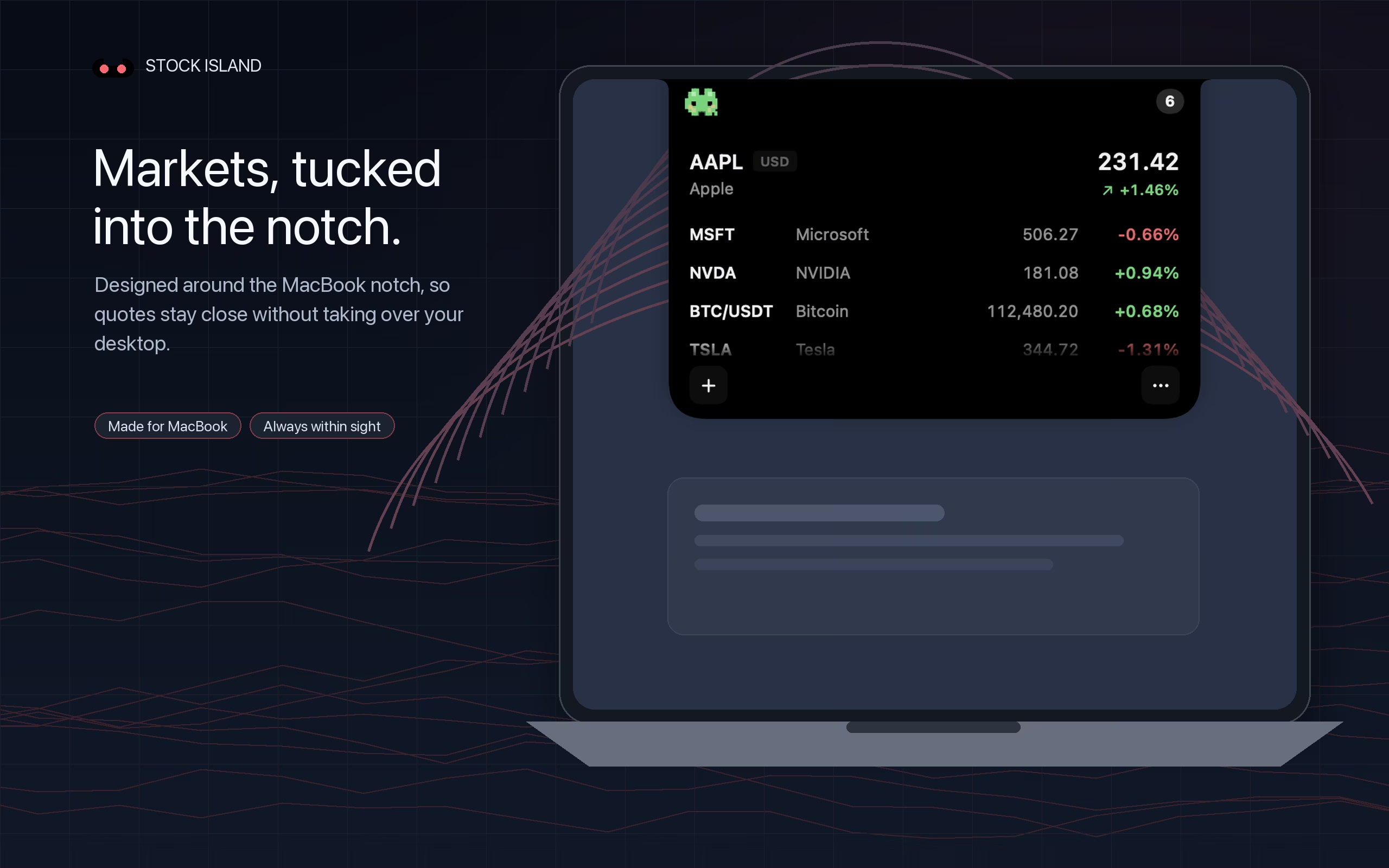
Turn the MacBook notch into a compact ticker.
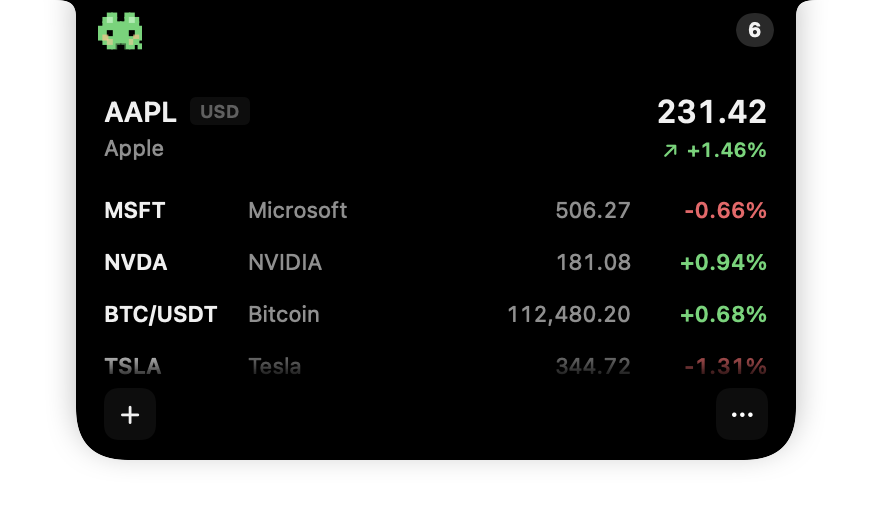
On a notched MacBook, Stock Island gives market information a dedicated home around the camera area. A compact quote stays at the top of the screen, and the full watchlist expands from the same place when you hover.
Best for
- Following stocks and spot crypto while working
- People who want fewer windows and browser tabs
- MacBook users who prefer a visually integrated tool
Trade-off: a lightweight ticker is not a replacement for broker data, charts, research, or order execution.
Explore the notch tickerSETUP
Set up a focused Stock Island watchlist.
- Install Stock IslandDownload the current Mac App Store version on a Mac running macOS 13 or later.
- Choose your marketsEnable the relevant market data sources and search for the instruments you follow.
- Keep the list intentionalAdd the symbols that affect your day instead of recreating an entire portfolio dashboard.
- Choose a display modeUse the normal view for clarity, Pixel Mode for character, or Stealth Mode for a quieter presentation.
REMEMBER
Use a ticker for awareness, not verification.
Market feeds can be delayed, rounded, interrupted, or sourced differently from brokerage data. Before trading or making a financial decision, confirm the relevant price and market status through your broker or exchange.